Industry Spotlight

Why Thermal Management Is No Longer Just a Cooling Problem

Thermal management in a data center is not solved by cooling capacity alone. It also depends on how the equipment is built, how air or coolant moves through it, and whether the mechanical connections remain stable over time.

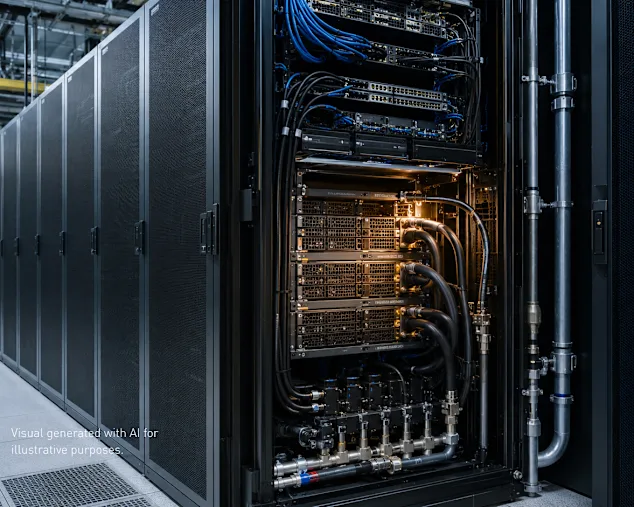
Data center server rack with open door revealing illuminated hardware, blue network cables, and cooling pipes in industrial facility.

This matters more as AI and high-performance computing push rack densities higher. More heat is being generated within a smaller footprint, leaving less room for inefficiencies.

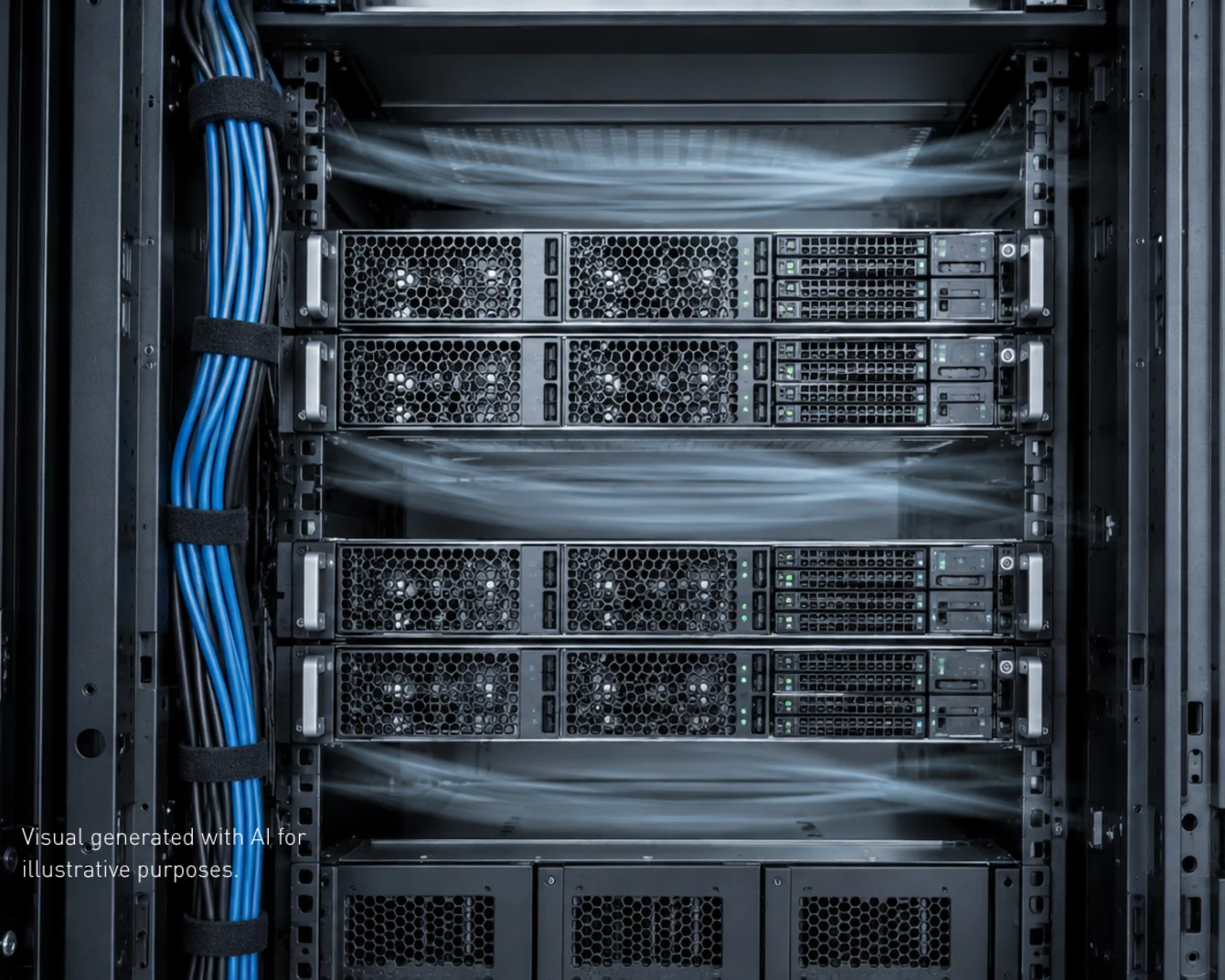
Server rack with four mounted units, organized blue network cables on left, and gray cable management in a dark data center cabinet.

Cooling Starts with the Equipment Design

To ensure adequate cooling performance, air needs a clear path through the racks, enclosures and server hardware. Poor cable routing can block ventilation, while gaps or misaligned panels may allow cooled air to escape.

In a high-density rack, even a small disruption can contribute to hotspots and make fans work harder.
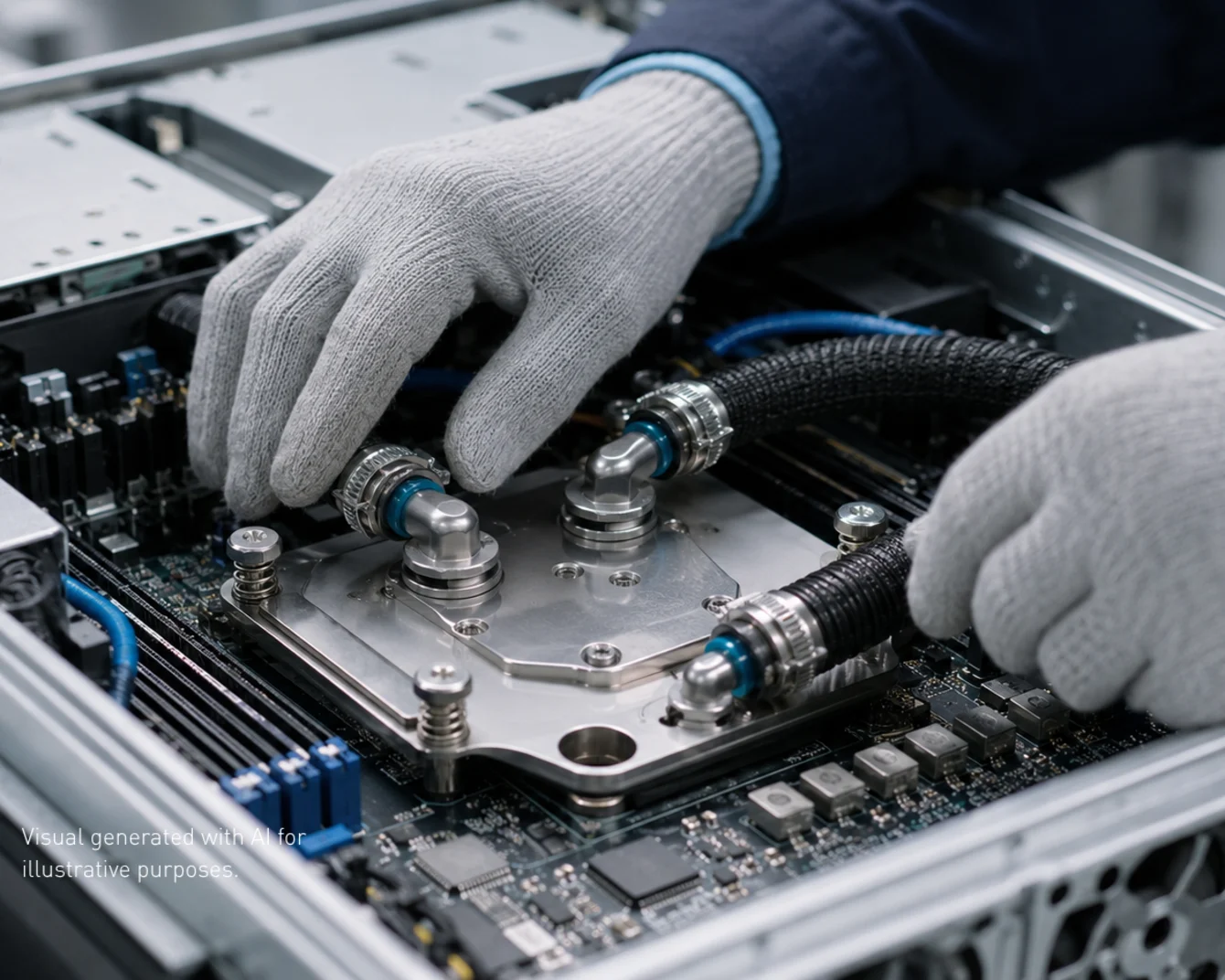
Hands wearing gray work gloves installing a liquid cooling system with metal fittings and black tubes onto a computer motherboard.

Liquid Cooling Raises the Mechanical Demands

Direct-to-chip cooling and cold plates can manage higher heat loads, but their performance relies on a stable assembly. Cold plates must remain securely mounted to maintain thermal contact. Hoses, clamps, seals and connection points also need to withstand pressure, vibration and repeated servicing.

Maintenance access matters as well. Technicians should be able to replace hardware without placing unnecessary strain on nearby cooling lines or connections.

Fasteners icon

Fastening Technology for Data Centers

Discover the innovative fastening elements at the heart of modern data centers – from the server chassis to racks and enclosures, the motherboard, cable routing or cooling systems.

Find Out More
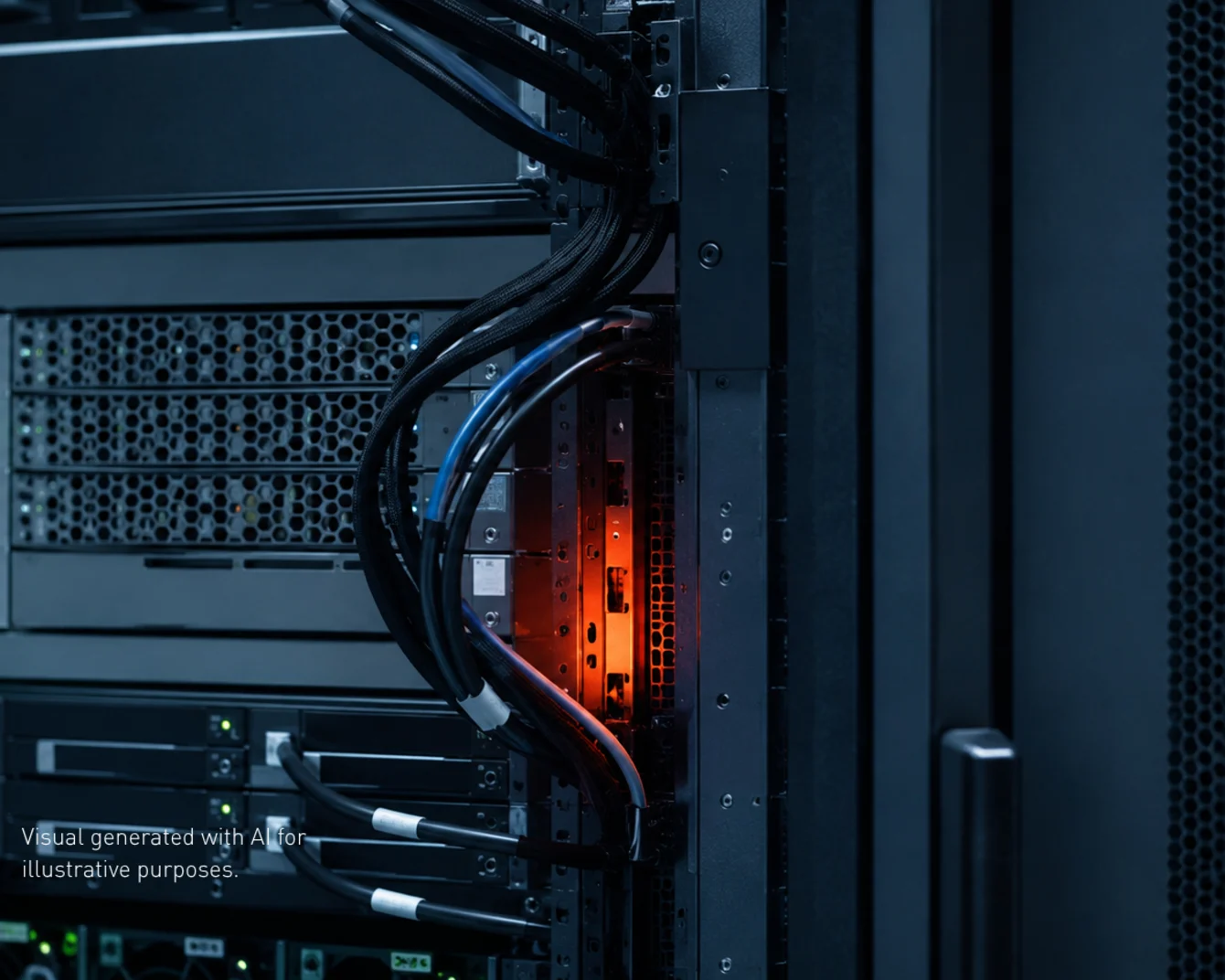
Server rack with bundled cables and orange-lit component, showing data center hardware with green indicator lights.

Small Changes Can Create Larger Problems

Thermal issues often develop gradually. A cable bundle shifts into an airflow path. A panel no longer closes properly after maintenance. A fastening point loosens and affects the position of a cooling component. The immediate response may be to increase fan speed or adjust temperature settings. This can reduce the symptoms, but it does not resolve the underlying mechanical issue.

For equipment designers and manufacturers, thermal performance should be considered together with fastening, routing and service access. Getting these details right early helps the cooling system perform more consistently, even after years of maintenance and hardware upgrades.

Key Takeaway

Effective data center cooling depends on more than cooling capacity.

Mechanical details such as airflow paths, cable routing, fastening and service access can all influence thermal performance. Addressing them early helps reduce hotspots and keeps cooling systems working consistently through future maintenance and upgrades.

Get Data Center Cooling Right

With almost 200 years of experience in fastening technology, we'll help you avoid the pitfalls. Consult our engineers today.

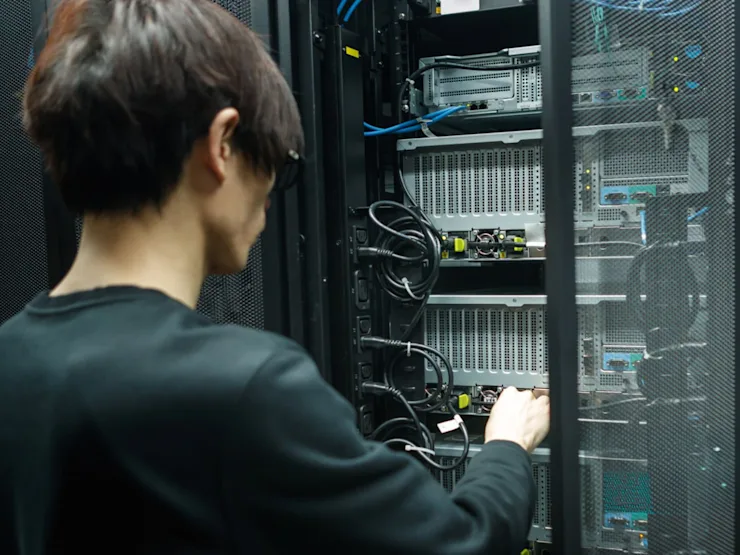
A man working with high performance data center computer

Contact Us

Please complete the form. *fields are required.